Why Your AI-Generated Social Media Replies Sound Robotic (And How to Fix It)
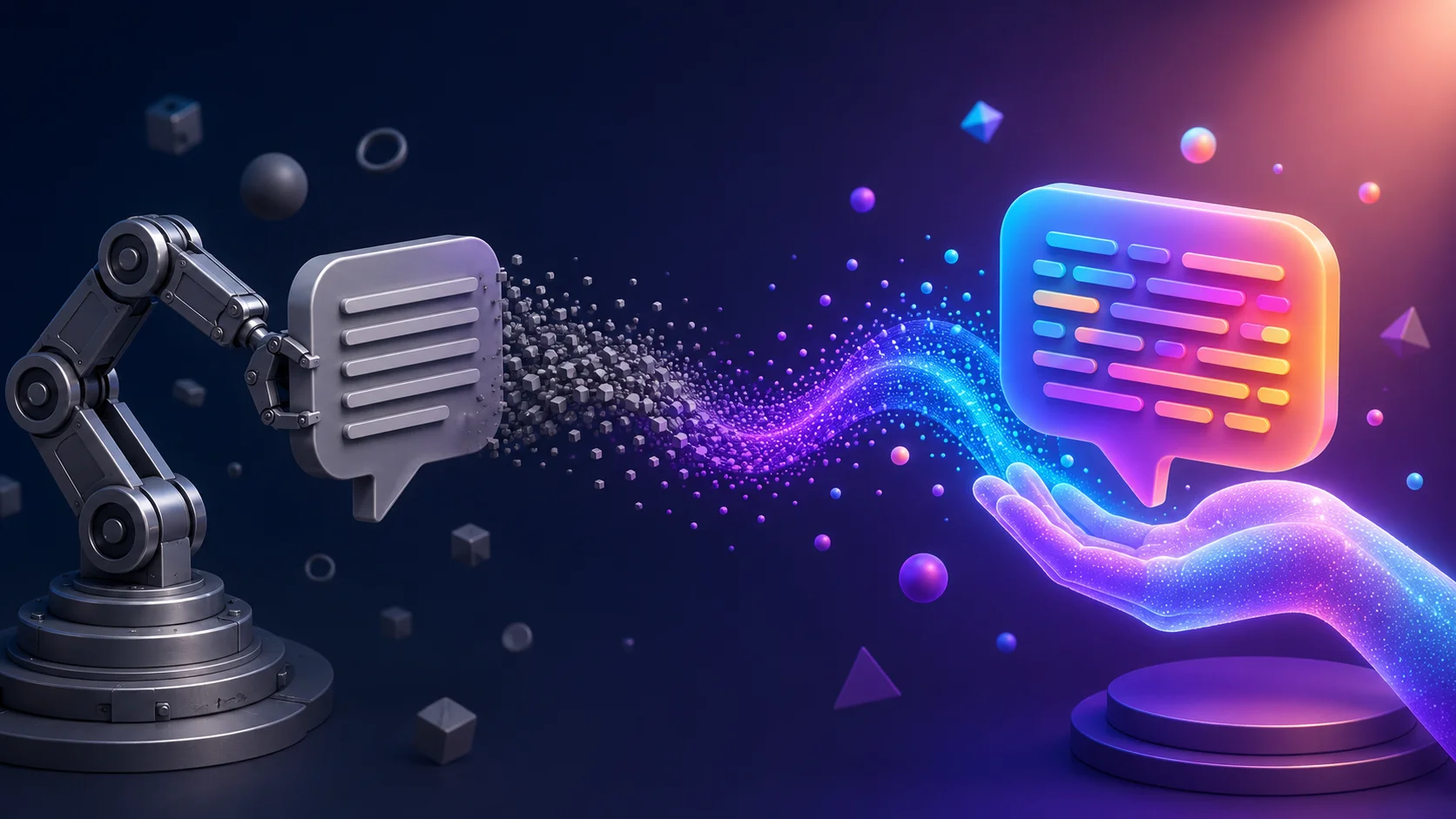
People can tell. Every time.
You paste someone's tweet into ChatGPT, ask for a reply, and get back something like: "Great insights! I completely agree with your perspective on this topic. The points you've raised are incredibly valuable and I look forward to seeing more of your content."
That reply is technically fine. It is grammatically correct. It says positive things. And everyone who reads it knows instantly that a human did not write it.
A 2026 study found that 62% of consumers are less likely to trust content that sounds AI-generated. On social media, where trust and authenticity drive engagement, a robotic reply does not just fail to connect. It actively damages your credibility.
The problem is not that you are using AI. The problem is how you are using it.
Why AI replies sound the same
AI models generate text by predicting the most likely next word based on patterns in their training data. That is literally how they work. And the most likely next words are, by definition, the most common ones.
This creates three specific problems in social media replies:
Every reply follows the same rhythm. AI defaults to medium-length sentences of similar structure, one after another. Human replies are messy. Some sentences are two words. Others run long. AI flattens that natural variation into something that reads like a press release.
The same words keep showing up. AI has a small set of favorite words that it uses far more often than any human would. Words like "insightful," "valuable," "comprehensive," "I appreciate your perspective," and "great point" appear in AI-generated replies at rates that are statistically detectable. People do not consciously count word frequencies, but their brain notices the pattern.
There is no actual opinion. AI hedges. It agrees with everything. It avoids taking a position that might be wrong. Real humans disagree, qualify, push back, share unexpected takes. AI replies are relentlessly positive and agreeable, which is exactly what makes them feel hollow.
The words that give you away
Certain words and phrases appear so frequently in AI output that they have become instant red flags. If your reply contains any of these, people will assume it was generated:
- "Great insights" or "Excellent point"
- "I completely agree"
- "This is incredibly valuable"
- "I appreciate your perspective"
- "Thank you for sharing this"
- "This resonates with me"
- "Looking forward to seeing more"
- "Really well articulated"
These phrases are not wrong. Humans say them occasionally. But AI uses them in nearly every reply, which turns them into markers. When someone sees "Great insights!" as the opening of a reply, they stop reading.
The same applies to certain connecting words that AI overuses: "furthermore," "moreover," "additionally," "it's worth noting," and "in essence." These words exist in English, but they show up in casual social media replies at rates that feel unnatural.
The 30-second edit that fixes everything
Here is the good news: you do not need to stop using AI for replies. You need to spend 30 seconds editing before you post. That small investment is the difference between a reply that builds a connection and one that gets ignored.
Step 1: Delete the first sentence. AI almost always opens with agreement or praise ("Great point!" or "This is so true!"). Delete it. Start with your actual thought.
Step 2: Add one specific detail. The biggest tell of AI-generated text is that it stays generic. After the AI drafts your reply, add one detail that only you would know. A personal experience. A specific number. A reference to something you tried. This is what makes a reply feel human.
Step 3: Shorten it. AI replies are almost always too long for social media. A good Twitter reply is 1-3 sentences. A good Reddit comment leads with the answer, then adds context. Cut everything that does not add new information.
Step 4: Break a grammar rule. Start a sentence with "But." Use a fragment. Write "gonna" instead of "going to" if that is how you talk. Perfect grammar is a robot tell. Humans writing casually on social media make small stylistic choices that AI avoids.
Step 5: Read it out loud. If it sounds like something you would actually say to someone in conversation, post it. If it sounds like a LinkedIn press release, edit more.
Before and after examples
Here is what this looks like in practice.
AI-generated reply to someone asking about slow database queries:
"Great question! Database optimization is incredibly important for application performance. I'd recommend looking into query indexing and caching strategies. These approaches can significantly improve your response times and overall user experience."
After a 30-second edit:
"Had this exact problem last month. Turned out 80% of my slow queries were missing a simple composite index. Added it, went from 3 seconds to 200ms. Check your slow query log first before doing anything else."
The second reply is shorter, has a specific detail (the index, the timing, the 80% number), starts with a personal experience, and actually answers the question with a concrete first step. Nobody reads that and thinks "AI wrote this."
AI-generated reply to a founder sharing their launch:
"Congratulations on your launch! This looks like a really well-thought-out product. The market for this type of solution is growing, and I can see this being very useful for many teams. Wishing you all the best!"
After editing:
"Nice. What's your plan for getting the first 10 paying customers? That's usually where the real learning starts."
The edited version is one-third the length, asks a real question, and adds genuine value to the conversation. It also positions you as someone who knows what they are talking about.
Better prompts produce better replies
The editing step helps, but you can also improve the raw output by giving AI better instructions upfront. The default "write a reply to this" prompt produces default output. More specific prompts produce more specific replies.
Instead of: "Write a reply to this tweet"
Try: "Write a 2-sentence reply to this tweet. Be direct. Disagree slightly with the main point and suggest an alternative approach. Use a casual tone like you are texting a coworker. Do not start with 'Great point' or any compliment."
That prompt produces dramatically different output because you have constrained the AI away from its defaults. You told it what not to do (no compliments, no generic openings) and what to do instead (disagree, be brief, be casual).
Some specific prompt techniques that help:
Ban the AI words. Add "Do not use the words: insightful, valuable, comprehensive, incredibly, resonate, perspective, articulate" to your prompt. Removing the most common AI markers forces the model to find different language.
Set a word limit. "Reply in under 40 words" forces the AI to be concise. Shorter replies feel more human on social media.
Specify a tone with multiple descriptors. Instead of "casual tone," try "direct, slightly opinionated, conversational, no hedging." Research from the Nielsen Norman Group found that using 4+ tone descriptors produces significantly more natural output than a single word like "casual."
Include your own writing samples. If you paste 2-3 examples of replies you have written before and say "match this style," the AI has something concrete to work from instead of defaulting to its average voice.
Why dedicated reply tools beat ChatGPT for this
Copying text from social media, switching to ChatGPT, typing a prompt, generating a reply, copying it back, and pasting it into the comment box takes 3-5 minutes and produces generic output unless you spend time crafting a good prompt.
Dedicated AI reply tools like ReplyGenius solve this differently. They work inside the social media platform, so you never leave the page. They come with pre-built writing styles that already avoid the robotic patterns (no "Great insights!" openers). And they let you select text and generate a reply in one click.
The key difference is that the prompts are already optimized. Instead of you having to remember to add "don't use AI words" and "keep it under 40 words" every time, the tool handles that automatically. You get a better starting point, which means less editing.
ReplyGenius takes this further with context marketing, where the AI can naturally reference your blog posts or tools when they are relevant to the conversation. That is something ChatGPT cannot do because it does not know what content you want to promote.
The real goal is AI-assisted, not AI-replaced
The founders and creators who use AI replies effectively all share one habit: they never post without editing. AI is a drafting tool, not a posting tool.
The workflow that works:
- See a conversation worth replying to
- Generate a draft reply (with a tool or ChatGPT)
- Delete the generic opener
- Add one personal detail or specific opinion
- Shorten it
- Post
That takes under a minute and produces replies that sound like you, not like a language model. The time savings come from not having to start from a blank text field, which is where most people get stuck.
Your social media replies are how people form their first impression of you. A robotic reply tells them you could not be bothered to write something real. An edited, personalized reply that started as an AI draft tells them you are thoughtful, engaged, and worth following.
The tool does not matter. The edit does.
FAQ
Can people really tell when a reply is AI-generated?
Yes. Studies show that 62% of consumers flag content that "sounds like AI" and trust it less. On platforms like Reddit and Twitter where casual, opinionated writing is the norm, AI's polished and agreeable tone stands out immediately.
Is it dishonest to use AI for social media replies?
No, as long as you edit and personalize the output. It is the same as using spell check, a thesaurus, or asking a friend to help you word something. The dishonest approach is posting AI output without reading it and pretending you wrote every word from scratch.
What is the single biggest thing I can do to make AI replies sound human?
Add one specific detail that only you would know. A number, a personal experience, a concrete recommendation. Generic text reads as AI. Specific text reads as human.
Should I avoid AI reply tools entirely?
No. The issue is not the tools. The issue is posting unedited output. A good AI reply tool gives you a starting point that is 70% there. Your job is the last 30%, which is adding your voice, your experience, and your actual opinion.
Which AI model produces the most human-sounding replies? The model matters less than the prompt and the edit. A well-prompted GPT-3.5 reply that you edit for 30 seconds will sound more human than an unedited GPT-4 reply. Put your effort into the editing step, not the model selection.
Keep reading



Ready to reply smarter?
Generate intelligent, contextual replies for Reddit, X and LinkedIn in seconds with ReplyGenius.
Get Started Free